What is a PDF to Excel converter?
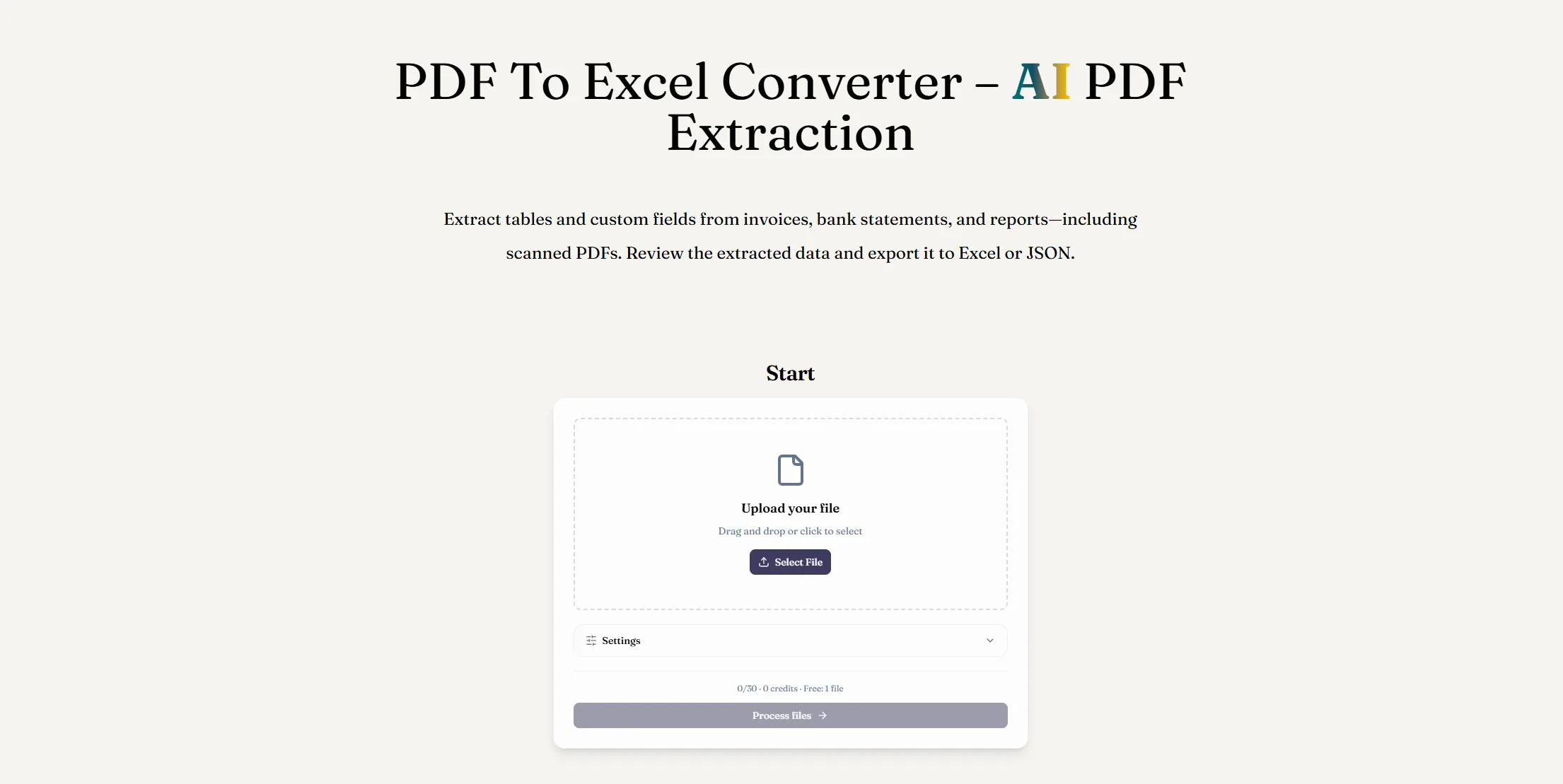
A PDF to Excel converter extracts information from a PDF and organizes it in an editable spreadsheet. ReadyData uses AI PDF extraction to identify document fields and table data before exporting the results as an XLSX file.
What is PDF extraction?
PDF extraction is the process of reading text, tables, and selected fields from PDF documents and turning them into structured data. That data can then be exported to Excel or JSON for analysis and automation.
Can I convert a scanned PDF to Excel?
Yes. ReadyData can read scanned and image-based PDFs, including invoices, receipts, and bank statements, and organize the detected information into editable Excel data.
Will the Excel file keep the original table structure?
ReadyData maps detected fields and table rows into a structured spreadsheet. The output focuses on usable data rather than matching the PDF page layout. Review headers, row alignment, and values when working with complex tables or low-quality scans.
Can I specify which PDF data to extract?
Yes. Describe fields such as invoice numbers, dates, totals, or transaction amounts and save them as a reusable template. These preferences guide extraction; the result may include other relevant information and does not guarantee a fixed set of columns.
Can I export extracted PDF data in another format?
Yes. In addition to Excel XLSX files, you can export structured results as JSON for use in databases, automations, APIs, and custom applications.